My Journey from Software Engineer to AI Engineer
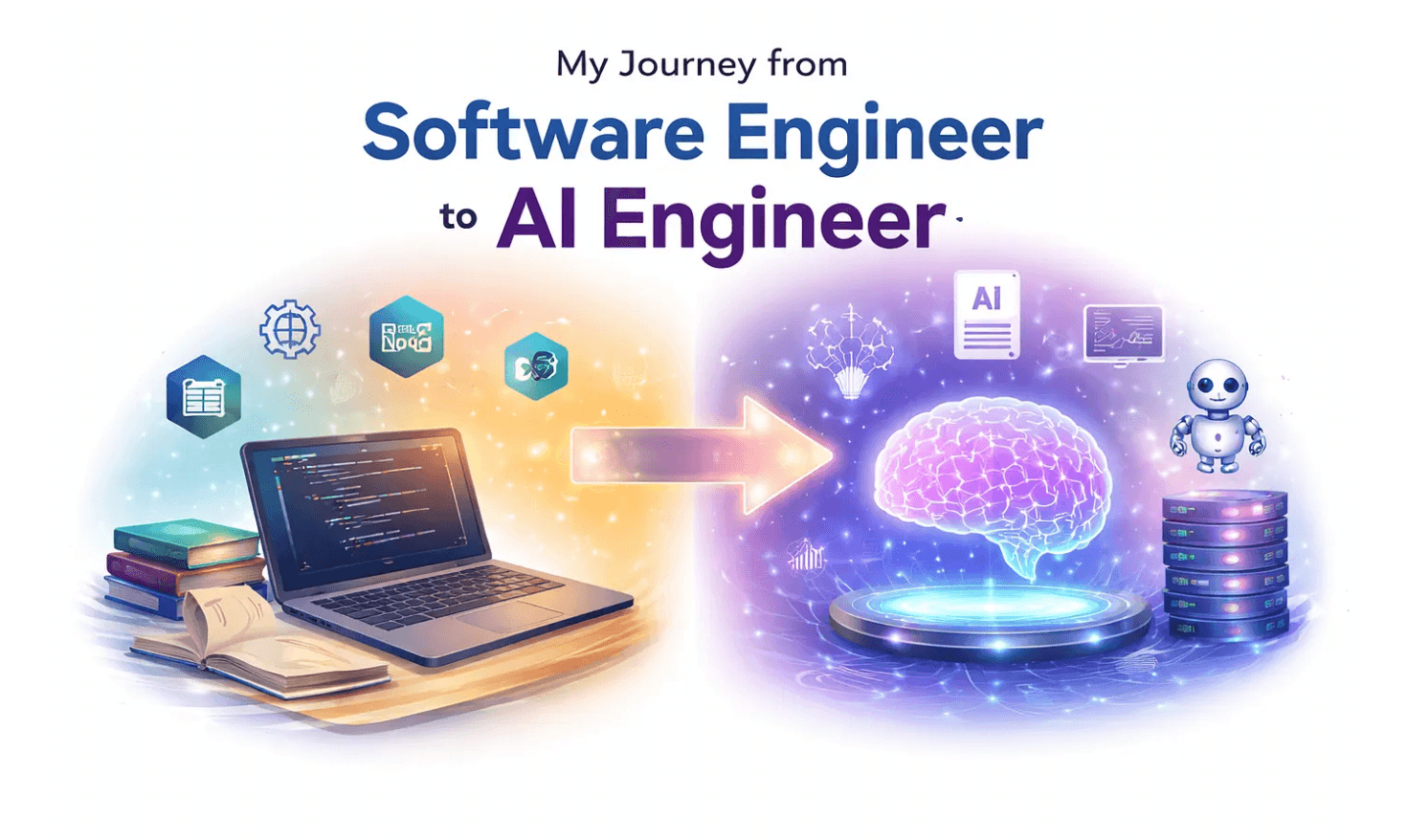
As a software engineer, I had always been curious about AI. But it wasn’t until December that I decided to take AI seriously, when I got the opportunity to join an AI-focused project. That moment completely changed the way I think about building software: from traditional full-stack systems to AI-powered applications.
In this post, I’ll share my learning path, the concepts I explored, and the projects I built, so you can see how a SWE can transition into AI engineering.
Step 1: Building a Foundation
- IBM AI Courses — My company provided this course, so I didn’t enroll myself, but I completed it as part of my learning path. It gave me a solid understanding of machine learning concepts, AI workflows, and practical applications. I learned about supervised and unsupervised learning, neural networks, NLP basics, and AI ethics. If you’re starting your journey, you can explore similar AI foundation courses on Coursera, edX, or Udemy.
- DeepLearning.AI Courses — I dove deeper into deep learning and neural networks. I learned how models are trained, how to fine-tune them, and explored cutting-edge architectures like transformers, which power most modern language models today. At this stage, I’d also recommend starting with Andrew Ng’s AI Foundation course before diving too deep, it builds a strong conceptual base without overwhelming you.
- AI Engineer Roadmap (roadmap.sh) — This roadmap helped me see the bigger picture of AI engineering. I learned how language models, embeddings, AI infrastructure, and orchestration fit together. It gave me a full view of the current AI landscape, what exists today, what to learn next, and where to focus. I highly recommend it if you want a structured view of AI engineering as a career path.
Step 2: Applying Knowledge to Projects
Once I had a good foundation, I started integrating AI into my full-stack projects. My stack included React for the frontend and Node.js/NestJS for the backend. Here are some projects I built and the concepts behind them:
LLM-powered Translator
My first step was integrating large language models (LLMs) like Gemini and OpenAI to build a translator. This helped me understand API integration, prompt design, and context handling.
RAG-based PDF System
Next, I built a RAG (Retrieval-Augmented Generation) system for PDFs. In this system, users upload PDFs, and the AI provides answers strictly based on the content of the PDFs. This taught me:
- How to convert text into embeddings
- How to store and search embeddings using vector databases like ChromaDB and Pinecone
- How to combine retrieval with generation to create accurate AI responses
Embeddings are numerical representations of text (or other data types) that capture semantic meaning. Essentially, they allow the AI to understand “similarity” between pieces of data.
- ChromaDB — An open-source vector database. I used it to store embeddings locally and perform semantic search over datasets.
- Pinecone — A managed vector database that supports fast, scalable similarity search for large datasets. I experimented with Pinecone to handle more extensive and dynamic data than ChromaDB could efficiently manage. You’ll need to create an account to use it, but don’t worry, it’s free for personal projects.
These tools are crucial for building semantic search engines, chatbots, and recommendation systems, where the AI needs to retrieve relevant information before generating responses.
Step 3: Exploring Multimodal and Tool-Integrated AI
I didn’t stop at text:
- Multimodal AI Playground — I experimented with text, images, audio, and video. This included tasks like text-to-image generation, speech-to-text, and image captioning.
- Tool-Integrated AI Assistant — Using OpenAI’s function-calling API, I built an assistant capable of invoking real-world actions, like order tracking or timezone lookup.
These projects helped me understand AI orchestration, API integration, and multimodal data processing, which are key skills for AI engineers.
Step 4: Semantic Search and Chatbots
I also worked on embedding similarity engines and vector DB chatbots:
- The embedding similarity engine generates embeddings for input data, compares vectors, and stores results in JSON for later retrieval.
- Vector DB chatbots (using ChromaDB and Pinecone) allow users to ask questions and get AI responses grounded in a fixed dataset. This is the core of modern AI assistants and knowledge-based chatbots.
Step 5: Next Steps
Currently, I’m diving into LangChain-based agentic systems to explore more advanced orchestration, reasoning, and autonomous AI behaviors.
You can check out my projects and explore the code here: https://github.com/turkanisayeva?tab=repositories
If you’re a software engineer thinking about moving into AI, I hope my journey gives you a roadmap to follow. Start learning, start building, and embrace AI engineering as a path to create smarter software.